As a blogger, you write a lot online. You take pictures and edit them. But when you get more serious and plan your blog, you soon find out that there is a whole paper business behind such a blog. You have to keep track of ideas and trends to write about, plan blog posts down to the last detail, and remember all the things you need to take pictures of as soon as you have a day with nice light (especially in winter).
I myself have entire notebooks and notebooks filled with to do lists and custom planners. A lot of work, and if I added it all up, it would be a big box of scrap paper. With GreenBook, I can easily plan and organize my blog without producing a lot of waste, which is nice for a blog that is increasingly about greener and more sustainable living!
In these ways, I make sure I have my blog schedule in order:

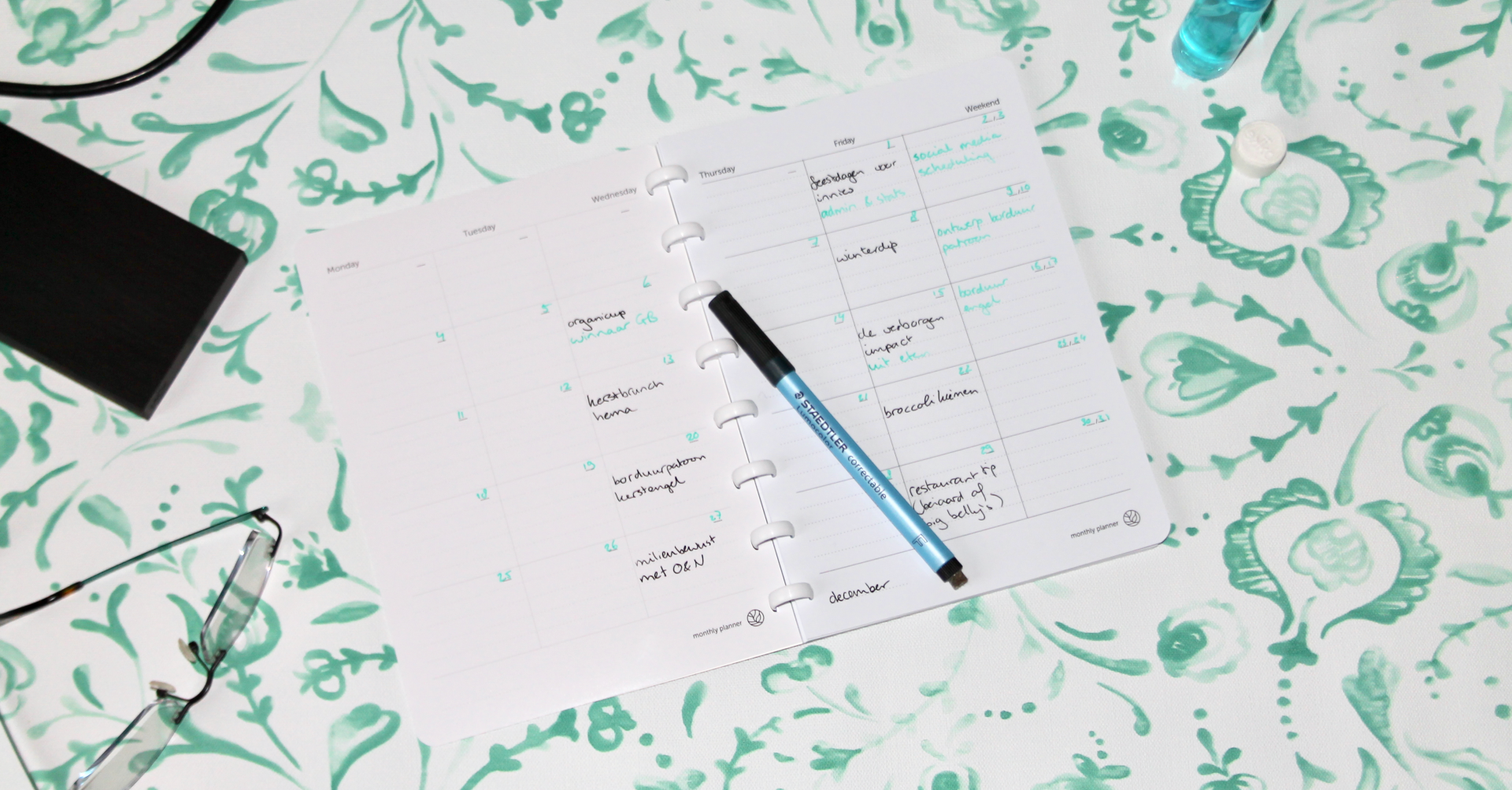
1 - Editorial calendar
The monthly planner is incredibly handy to use as an editorial calendar (click on the photo above to enlarge it). In black I note the blog posts that need to appear on a particular day, green is for other important things, such as administration or other important things that need to happen on a particular day.
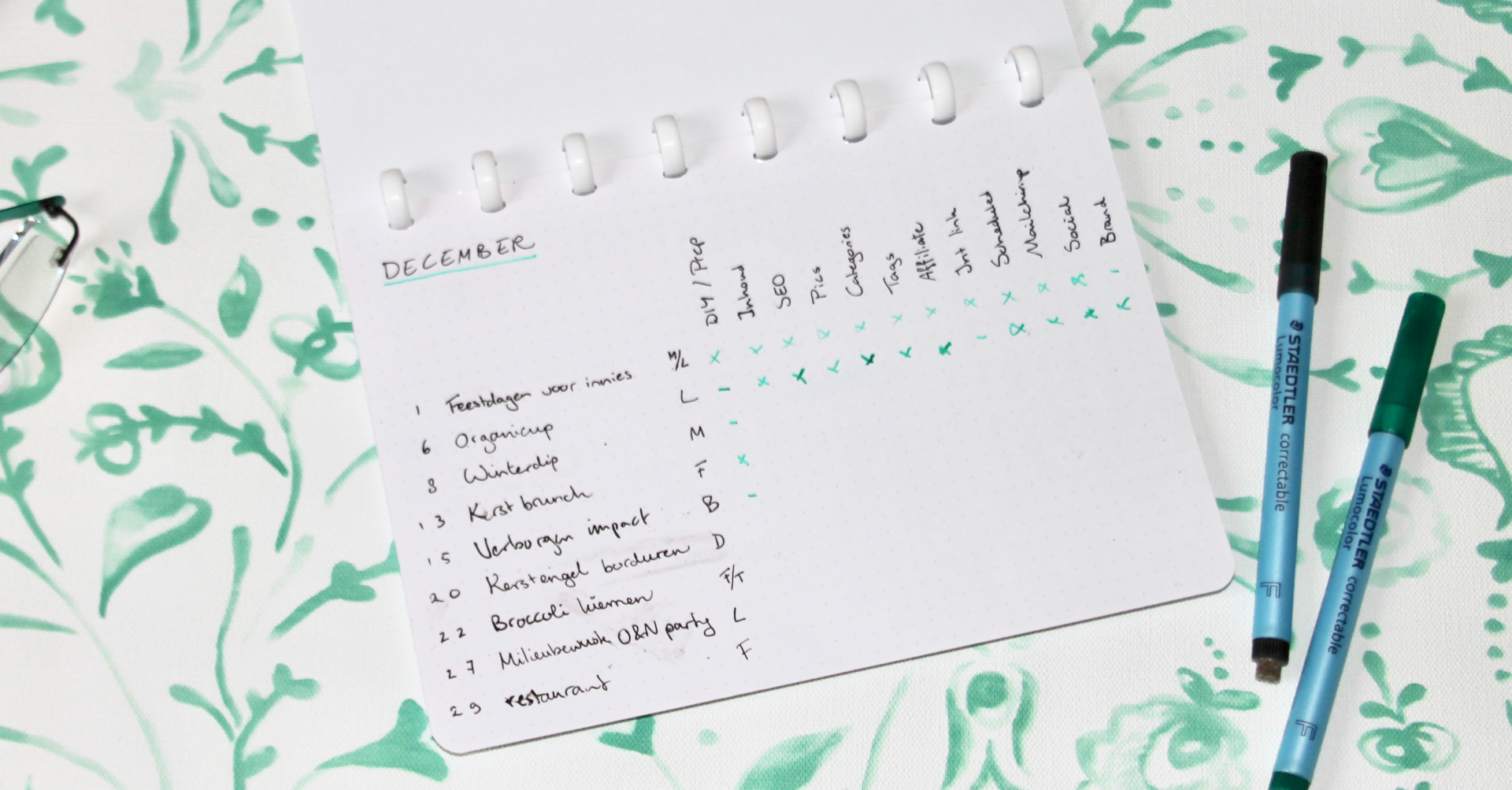
2 - Blog post checklist
Another important thing is my blog post checklist. For this, I used a dotted page. Here, for each blog post, I keep track of whether I have prepared, written the article, taken photos and other important things, such as social media promotion and possibly tagging brands that are the focus of a particular blog post.
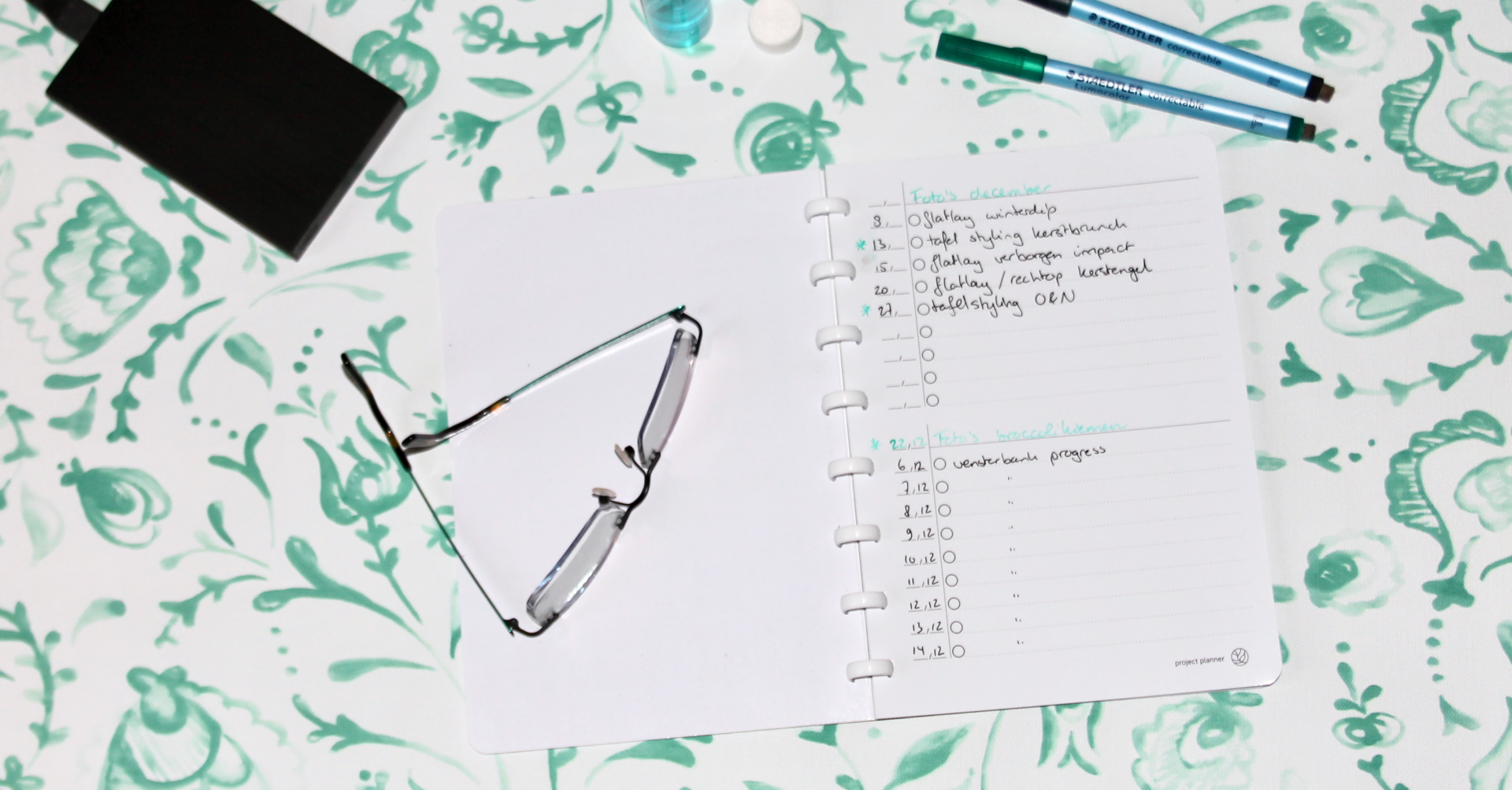
3 - Photo planner
When you want to work efficiently, the key is to divide your tasks into groups, such as taking all your photos in a row. I make a list of all the photos I need in the project planner and as soon as the weather is a bit nice, I quickly shoot all those photos in a row without having to think about it. Especially in the winter, this is incredibly nice!
4 - Managing extended blog posts
Sometimes you have a little more to do than just arrange a still life for a blog post, but a little more organizational work is involved. This is often the case with DIYs or styling photos where you borrow items from PR agencies. Or how about a mini-series on a particular topic? This too can easily be done in the project planner.
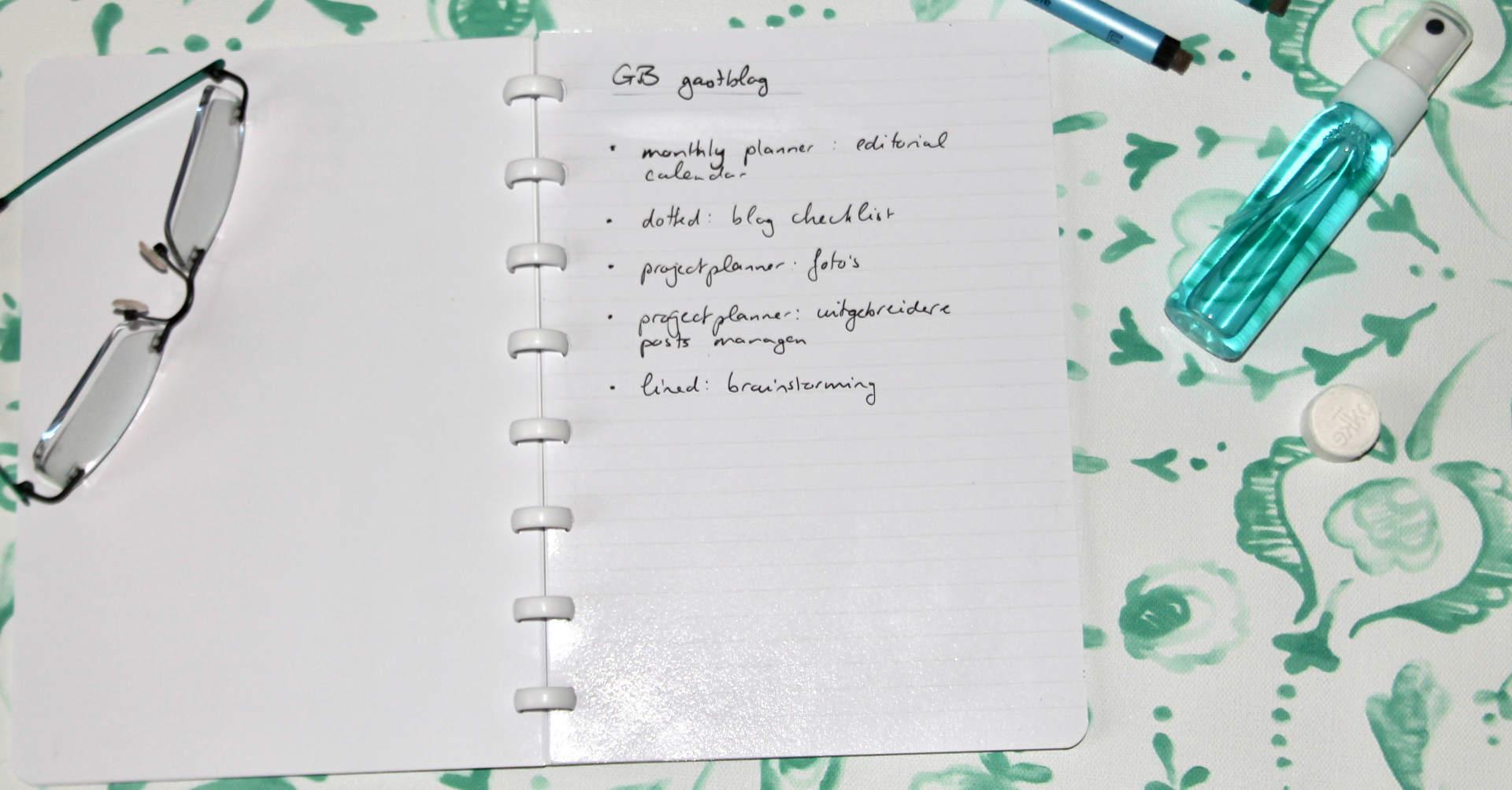
5 - Blog posts brainstorming and outlining
A blog post doesn't appear out of the blue -poof- in your head. Usually I brainstorm a bit about the month, season and holidays coming up and come up with a schedule for the coming time that way. On the lined pages I can nicely summarize for each blog post what should be in it and what I may still need to do / buy.
At the end of the month, I can finely erase everything and start all over again. Wonderful! And maybe at some point I'll figure out a way I can keep track of things more conveniently - no problem, I can then just wipe it out and rearrange it nicely.
How would you set up your GreenBook blog planner? What pages would you use?

About Charlotte
Charlotte is 27 years old, lives in Enschede. She loves hygge, hiking and Hobbits. Blogs about slow living lifestyle on CherryCharlie.nl and wants to inspire you to a more relaxed and conscious life with simple DIYs, good food, fine books and outdoor adventures. Also read her blog post about FAWAKA GreenBook.